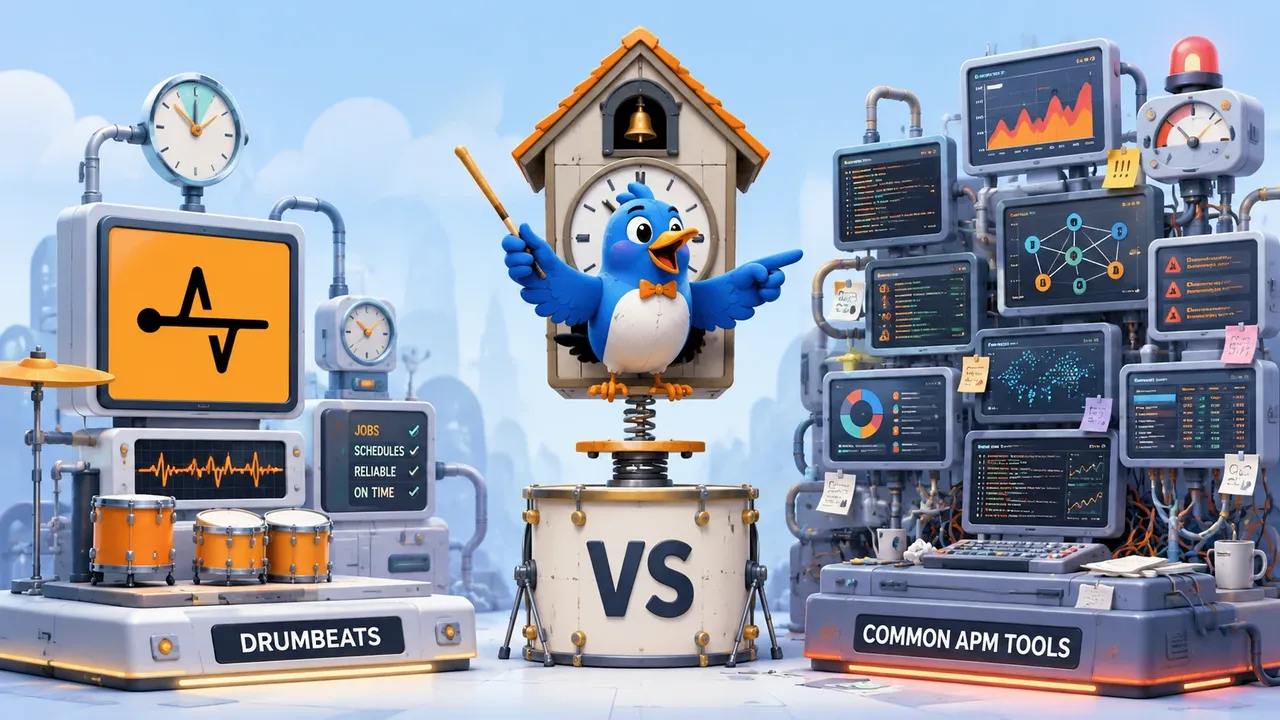
The short answer: if you need to know that your scheduled jobs, queue workers, and async tasks ran (on time, successfully) and to get paged when they didn't, you need heartbeat-style job monitoring, not a full APM suite. APM tools like Datadog, New Relic, and Sentry earn their keep when you have to trace why a request is slow across services, profile code, or debug distributed latency. For a typical 50-job workload, the gap is $0-$20/month on a dedicated job monitor versus roughly $64 to $230+/month on the APM route (June 2026 pricing). Most teams buying APM for this are buying a tracing platform to answer a yes/no question.
Search for "APM tools for monitoring background jobs" and you'll get a wall of Datadog, New Relic, and Sentry pages. All three are excellent products. But for most teams typing that query, the category itself is the mistake, and the vendors' own pricing pages, read closely, agree.
Here's how the two approaches actually compare: what APM does and what it's great at, what heartbeat-style job monitoring does instead, a side-by-side table, the worked cost math on June 2026 pricing, and the cases where APM really is the right answer.
What people actually mean by "APM for background jobs"#
The job-to-be-done behind that search is almost always detection, not diagnosis. You have cron jobs, Sidekiq or BullMQ or Celery workers, a Kubernetes CronJob or two, maybe some webhook handlers, and at some point one of them silently stopped running. Nothing crashed. No exception fired. The dashboard stayed green while the nightly backup quietly didn't happen for nine days.
What you want is the answer to three questions: did the job run, did it run on time, and did it succeed? And you want a loud alert the moment any answer is "no."
"APM" is often the wrong search term for that need. APM (application performance monitoring) is a diagnostic category: it explains why code is slow or erroring once you know something is wrong. Teams reach for it because Datadog and New Relic are the monitoring names they know, the same way people say "Kleenex" when they mean tissues. The category that actually fits the silent-failure problem is background job monitoring, sometimes called cron job monitoring or heartbeat monitoring, and it is dramatically simpler and cheaper.
What APM actually does, and what it's genuinely great at#
APM platforms instrument your code, via an agent, an SDK, or both, and observe it from the inside. That buys you things a heartbeat ping can never see:
- Distributed tracing. Follow one request across services, queues, and databases, with per-span latency. When checkout is slow and the cause is three hops away, this is the tool.
- Code-level profiling. Which function, which query, which N+1 is burning the time.
- Error aggregation. Exceptions grouped by root cause, with stack traces, release tags, and affected-user counts.
- Correlated telemetry. Logs, metrics, and traces stitched together in one pane.
The big three each earn their reputation. Datadog is the broadest platform: infrastructure metrics, APM, logs, and security in one place, which is why it becomes the default pane of glass for ops-heavy organizations. New Relic does deep application profiling with a generous free tier (100 GB of telemetry ingest per month). Sentry is the developer favorite for error tracking (stack traces tied to releases and commits) with tracing and a dedicated Crons feature bolted on, and it's the most affordable of the three.
If your problem is "this code path is slow and I don't know why," an APM suite is the correct purchase: there's a whole section below on the cases where it wins outright.
The catch is what APM costs to deploy: in money, but also in machinery. Agents to install and update. SDKs to wire into every job. Sampling rates to tune. And pricing that scales with hosts, ingested gigabytes, or seats, because the platform is doing genuinely heavy work. That machinery is justified when you need the why. It's pure overhead when you need the whether.
What heartbeat-style job monitoring does#
A heartbeat monitor watches the outcome of a job instead of the internals of the code. The whole integration is an HTTP request:
# At the end of your cron job, queue worker, or script:
curl -fsS https://api.drumbeats.io/v1/ping/YOUR_MONITOR_ID
# At the end of your cron job, queue worker, or script:
curl -fsS https://api.drumbeats.io/v1/ping/YOUR_MONITOR_IDThe monitor knows the job's expected schedule (or, for event-driven work, its expected lifecycle). If the ping doesn't arrive on time, arrives with an explicit failure signal, or a run starts and never finishes: you get alerted. No agent, no SDK, no trace pipeline, no sampling config. Any language that can make an HTTP request is fully instrumented in one line.
Richer lifecycles are still one-liners: a /start ping begins the runtime clock (catching jobs that hang or finish suspiciously fast), a /failure ping reports an explicit error, and a log ping attaches mid-run progress like rows processed. That's the full depth of the model, deliberately. Heartbeat monitoring answers "did it run, on time, successfully?" with near-zero setup, and refuses to be anything heavier.
The same primitive stretches across the whole background-work spectrum: scheduled crons, interval-based daemons, event-driven queue workers, and uptime checks are just different expectations applied to the same ping. (If you want the conceptual breakdown, the monitoring modes docs page explains how the four modes differ.)
Side by side: job monitoring vs full APM#
| Criterion | Heartbeat / job monitoring | Full APM (Datadog / New Relic / Sentry) |
|---|---|---|
| Core question answered | "Did the job run, on time, and succeed?" | "Why is this code/request slow or erroring?" |
| Setup | One HTTP ping line; no agent, no SDK | Agent install + SDK/code instrumentation |
| Runtime overhead | None, an outbound ping | Agent runtime + trace sampling overhead |
| What it sees | Run start / finish / fail / hang / progress | Spans, traces, code profiles, errors, infra metrics |
| Time to first signal | Minutes | Hours to days (instrumentation rollout) |
| Typical monthly cost (small team) | $0-$20 | ~$64 to $230+ for the worked example below; host/usage-based, scales fast |
| Best for | Cron, scheduled tasks, queue workers, async/event jobs | Microservices, request-path latency, distributed debugging |
| Where it's the wrong tool | Explaining why a job is slow | Confirming a nightly job ran |
Cost figures as of June 13, 2026, from each vendor's live pricing page; the worked example below shows the math. Pricing changes often: verify before purchase.
The cost math, worked#
Take a concrete team: 50 background jobs (nightly backups, hourly syncs, a pile of queue workers) running across five hosts, and the question is "did they run?" Here is what each path costs on pricing pulled from the vendors' live pages on June 13, 2026.
Drumbeats (heartbeat route): $0. The Free tier covers 50 monitors and 200,000 Beats (pings) per month. Fifty hourly jobs send about 36,000 pings a month, under a fifth of the free budget, and even the full start/success lifecycle on every run stays comfortably free. If you outgrow 50 monitors, Pro is $20/month with unlimited monitors and 1M Beats.
Sentry (cheapest APM route): ~$64/month. Sentry Crons is the APM side's most direct answer to this exact problem, and credit where due: it's priced for it. The Team plan is $26/month (billed annually), each plan includes one cron monitor, and additional cron monitors are $0.78/month each. Fifty jobs ≈ $26 + 49 × $0.78 ≈ $64/month, plus you get real error tracking in the same bill, which is genuinely valuable if you don't have it yet.
Datadog: ~$155-$230+/month. Datadog APM starts at $31 per host per month on annual billing ($36 standalone, $48 on-demand). Five hosts ≈ $155-$180/month, and APM presumes Infrastructure Monitoring underneath it (Pro is $15/host/month), which carries the realistic floor past $230. You get a world-class platform for that, but for "did the backup run?", every dollar past the first is buying capability the question doesn't need.
New Relic: free to start, seats decide the bill. The free tier is real: 100 GB ingest/month and one full-platform user. The costs arrive with the team: additional full-platform users are $99/month each on the Standard plan (capped at five), and trace ingest beyond 100 GB bills at $0.40/GB. A three-engineer team needing full access lands around $208/month before ingest overage.
The pattern is consistent: APM pricing scales with hosts, gigabytes, and seats because the platform does heavy diagnostic work. A yes/no question about 50 jobs doesn't generate hosts, gigabytes, or seats, which is why the dedicated tool is one to two orders of magnitude cheaper. You're not finding a discount; you're matching the tool to the question.
When you actually need APM#
A heartbeat monitor is the wrong primitive, or only half the answer, in all of these cases:
- *You need to know why a job is slow, not just that it failed.* Code-level profiling is APM's home turf; no ping will ever tell you which query regressed.
- You're debugging latency across a distributed request path. Tracing one transaction through six services is exactly what Datadog and New Relic are built for.
- You need error aggregation with stack traces and release tracking. Knowing a job failed is step one; Sentry telling you it failed on the line your last deploy touched is step two.
- You want logs, metrics, and traces correlated in one pane. If your on-call workflow lives in Datadog, fragmenting it has a real cost.
- Your request-serving code is already instrumented in an APM. Adding jobs to the same view can be worth the incremental cost for the single pane alone.
If that's you, buy (or keep) the APM: a heartbeat monitor is a complement there, not a replacement. The mistake worth avoiding is narrower: paying APM prices and carrying APM machinery only to learn whether your crons ran.
Where Drumbeats fits#
Drumbeats is the lightweight option built for exactly the detection problem: per-job heartbeats with no agent and no instrumentation, integrated with one curl line.
What you get, mapped to the table above:
- Full run lifecycle: explicit start, success, failure, and log pings, so a job that hangs, dies silently, or finishes suspiciously fast is caught, not just one that misses its slot.
- A dedicated event-driven monitor type for async work with no fixed schedule. Queue workers (Sidekiq, BullMQ, Celery), webhook handlers, and on-demand tasks alert on explicit failure or a start that never finishes: no fake schedule, no false alarms during quiet periods.
- Mid-run progress via log pings: attach rows processed or duration without changing the run's status.
- Every notification channel on the Free plan: email, Slack, Discord, Telegram, webhooks, and browser push, and unlimited team seats on every plan.
- Usage-based pricing: you pay for pings, not for the number of monitors you created. Fifty low-frequency jobs cost nothing; the bill tracks actual activity.
- Time to first signal: about a minute, create a monitor, paste the ping URL into your job, done.
Start free with 50 monitors, no credit card, and the first monitor takes about 60 seconds.
Can you use both? (Often, yes)#
Plenty of teams run an APM for their request-serving services and a heartbeat monitor for their cron, queue, and async work, because the two answer different questions at very different price points. The APM owns "why is checkout slow"; the job monitor owns "did the invoice batch run last night." Neither does the other's job well, and together they cover the full surface without paying tracing prices to confirm the backups ran.
If you're still mapping the broader tool landscape, our roundup of the best cron job monitoring tools in 2026 covers ten options across both categories, including where Datadog and Sentry land when scored purely as job monitors.
The bottom line#
Match the tool to the question. If the question is why, you need APM: Datadog, New Relic, and Sentry are excellent, and nothing lighter will substitute. If the question is whether (did the job run, on time, successfully), a heartbeat-style job monitor answers it in one curl line, at a price between free and the cost of a couple of coffees.
Most teams searching "APM for background jobs" are asking whether. Set up your first monitor free: 50 monitors, 200,000 pings a month, every notification channel, no credit card.
Keep following Drumbeats
Prefer a feed reader or want to share this post with your team? The archive stays on permanent Drumbeats URLs and every article is available through standard feeds.
Related reading
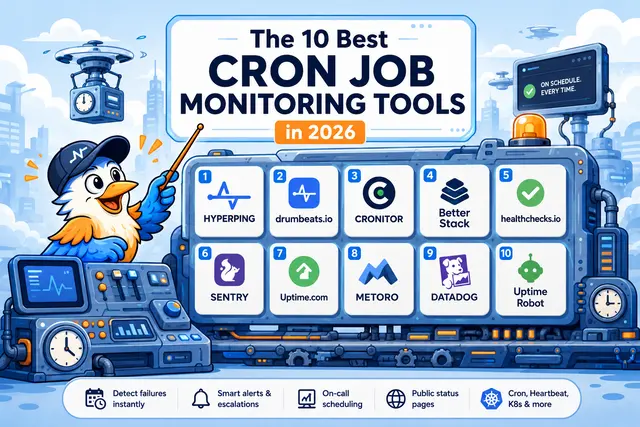
The 10 Best Cron Job Monitoring Tools in 2026
An honest, evaluated list of the cron job monitoring tools worth shortlisting in 2026: covering pricing, free tiers, on-call, status pages, K8s coverage, and what each one actually does well.
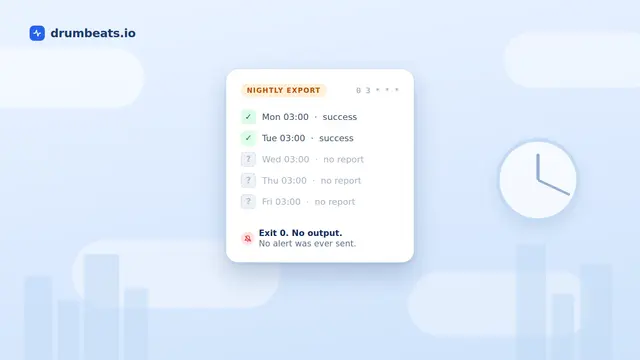
Why Your Cron Job Failed Silently (and How to Actually Catch It)
Cron does not read your exit code, does not retry, and does not warn you when it does not run. It mails output only if a mail transfer agent happens to exist on the host. This is a sourced walkthrough of the ten ways a cron job fails without a trace, why Kubernetes CronJobs fixed the scheduling problems but not the reporting one, and the one mechanism that answers whether it succeeded.

Drumbeats vs Hyperping: An Honest 2026 Comparison
Hyperping bundles uptime, on-call scheduling, and status pages into one flat rate from $24/month. Drumbeats charges by activity, gives you 50 free monitors, and adds event-driven job monitoring Hyperping doesn't have. We break down the real pricing math, where each tool wins, and who should pick which, including where Hyperping is genuinely the better call.