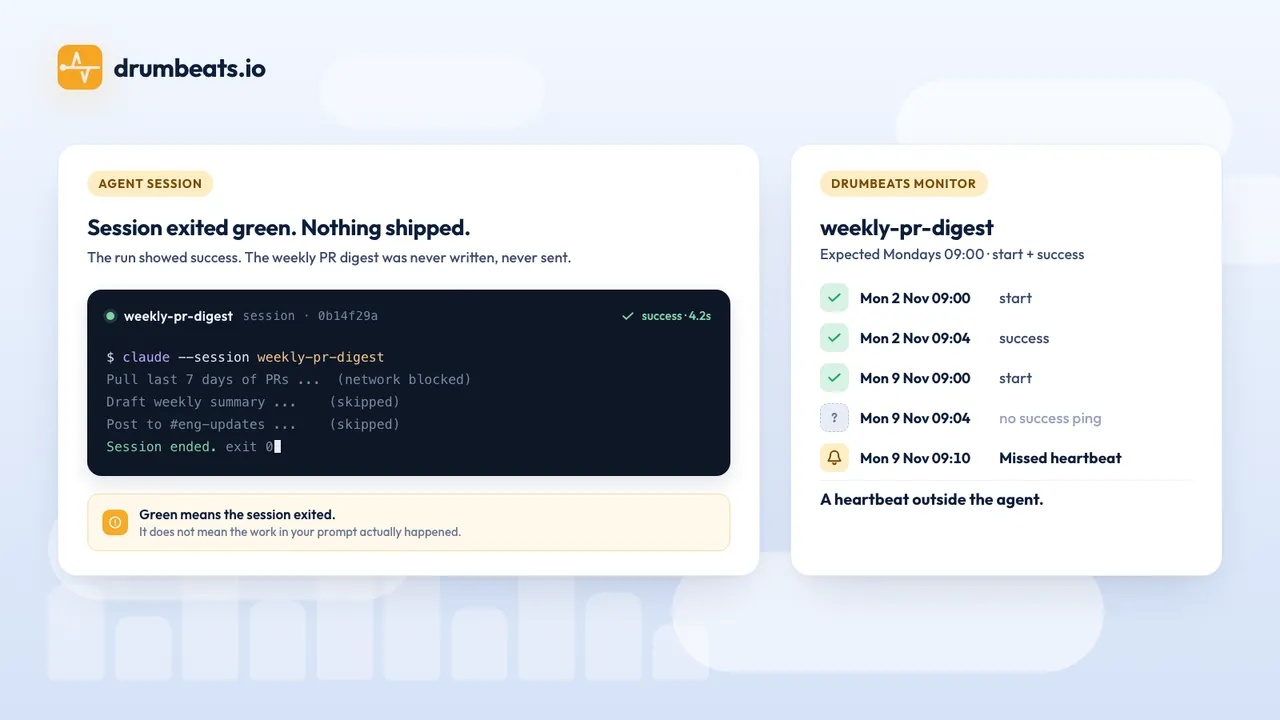
On 24 October at 21:43:35 UTC a Claude Code run started on my laptop and, 4.2 seconds later, ended with API Error: 401 OAuth access token has expired. Nothing in Claude Code told me. A Drumbeats monitor did, because a hook had sent a start ping when the session opened and a failure ping when it died, both carrying the session id.
That run was a test, and the expired token was not planned, but it is the shape of the problem. Claude Code can now run work on a schedule in four different places, and each place reports less than it looks like it does. This post lays out how those runs actually work, where each one goes quiet, and the hook configuration that makes every run announce itself to something outside the agent. The quotes were first taken from the documentation on 24 October 2026 and checked again on 17 November 2026; the ping timings come from that run and from cloud scheduled task runs on 16 November.
Four ways Claude runs without you#
| Mechanism | Where it runs | What starts a run | Needs your machine on |
|---|---|---|---|
| Cloud scheduled task, formerly "routine" | Anthropic-managed cloud session | a schedule, a POST to its /fire endpoint, or a GitHub event | no |
| Desktop scheduled task | your Mac, a fresh session per run | a schedule | yes, app open and awake |
/loop and CronCreate | inside one open CLI session | an interval, a cron, or self-pacing | yes, session open |
| Claude Code GitHub Action | a GitHub runner | on: schedule or any workflow event | no |
There is a fifth, the Agent SDK and claude -p, where your own code or your own cron is the scheduler. The hook configuration below is the same for all of them because hooks belong to the project, not to the trigger.
A run, in the cloud product, is one session per trigger firing. The docs: "Claude Code doesn't reuse sessions across events." The minimum cadence is hourly, and "Expressions that run more often than once per hour are rejected." Desktop tasks start "exactly one catch-up run for the most recently missed time" after the machine wakes. Session-scoped tasks are restored when you resume a session with --resume, but a self-paced /loop is not, and a restored task does not fire for the runs it missed.
What the run status means#
Each finished run in a task's history ends as Succeeded, Failed or Cancelled. The scheduled-tasks page is plain about the limit: "These outcomes say how the session ended, not whether Claude completed the work your prompt describes." A Succeeded run means "the session ended without Claude Code reporting a failure", and "Blocked network requests, missing connector tools, and work Claude couldn't complete appear in the transcript rather than on the row."
Three situations produce no run at all, so there is no status to read.
The GitHub connection expires. "If your GitHub connection is missing or expired when a run is due, the scheduled task skips runs until you reconnect, for up to 72 hours. After 72 hours without a connection, the task turns off."
You hit a cap. Scheduled runs are limited to 100 per hour per account, and "the run waits until the limit resets"; /fire calls are 30 per hour per task and "the action fails until the limit resets". Without usage credits, "additional runs are rejected until your usage window resets." A paused subscription puts tasks on hold.
Somebody has to click. Cloud runs start in auto mode, and once the classifier blocks an action "3 times in a row or 20 times total", "a permission prompt appears in the run's session and waits until someone answers it." A desktop task that hits a permission prompt stalls until you answer it, and a tool that asks for approval on every call stalls every run. A headless claude -p without a prompt tool does the opposite: "the action doesn't run and Claude keeps working", which is the quiet version.
A feature request to "detect and alert when a scheduled Routine stops firing silently" was opened in July 2026 and closed as not planned on 3 September. So the detection has to live outside.
Hooks, and what they receive#
Hooks are "user-defined shell commands" that Claude Code runs at lifecycle points. The three that matter here are SessionStart, Stop ("when Claude finishes responding") and StopFailure ("when the turn ends due to an API error"). Each command hook gets JSON on stdin with session_id, transcript_path, cwd, permission_mode and hook_event_name. The default command timeout is 600 seconds, which is far too long for a ping; set it to 10.
This is the whole configuration, committed to the repository the task runs in. First .claude/settings.json:
{
  "hooks": {
    "SessionStart": [{ "hooks": [{ "type": "command", "command": "\"$CLAUDE_PROJECT_DIR\"/.claude/hooks/heartbeat.sh start",   "timeout": 10 }] }],
    "Stop":         [{ "hooks": [{ "type": "command", "command": "\"$CLAUDE_PROJECT_DIR\"/.claude/hooks/heartbeat.sh success", "timeout": 10 }] }],
    "StopFailure":  [{ "hooks": [{ "type": "command", "command": "\"$CLAUDE_PROJECT_DIR\"/.claude/hooks/heartbeat.sh failure", "timeout": 10 }] }]
  }
}
{
"hooks": {
"SessionStart": [{ "hooks": [{ "type": "command", "command": "\"$CLAUDE_PROJECT_DIR\"/.claude/hooks/heartbeat.sh start", "timeout": 10 }] }],
"Stop": [{ "hooks": [{ "type": "command", "command": "\"$CLAUDE_PROJECT_DIR\"/.claude/hooks/heartbeat.sh success", "timeout": 10 }] }],
"StopFailure": [{ "hooks": [{ "type": "command", "command": "\"$CLAUDE_PROJECT_DIR\"/.claude/hooks/heartbeat.sh failure", "timeout": 10 }] }]
}
}Then .claude/hooks/heartbeat.sh, made executable with chmod +x:
#!/bin/sh
EVENT="$1"; IN=$(cat)
SID=$(printf '%s' "$IN" | sed -n 's/.*"session_id":"\([^"]*\)".*/\1/p')
if [ "$EVENT" = "success" ] && printf '%s' "$IN" | grep -q '"background_tasks":\[[^]]'; then exit 0; fi
curl -fsS -m 5 -o /dev/null \
  "https://api.drumbeats.io/v1/s-ping/<project-id>/nightly-dependency-audit/$EVENT?run_id=$SID" || true
exit 0
#!/bin/sh
EVENT="$1"; IN=$(cat)
SID=$(printf '%s' "$IN" | sed -n 's/.*"session_id":"\([^"]*\)".*/\1/p')
if [ "$EVENT" = "success" ] && printf '%s' "$IN" | grep -q '"background_tasks":\[[^]]'; then exit 0; fi
curl -fsS -m 5 -o /dev/null \
"https://api.drumbeats.io/v1/s-ping/<project-id>/nightly-dependency-audit/$EVENT?run_id=$SID" || true
exit 0The session id is the run id, so the start and the finish of one run meet on the monitor. The script always exits 0: a hook that exits 2 on Stop blocks the stop, and a monitoring failure must never do that. The background_tasks check skips the success ping while the session is only paused for background work; the docs say those arrays "distinguish 'session is done' from 'session is paused waiting for background work'". Stop fires at the end of every turn, so a multi-turn run sends several success pings. Drumbeats records each of them against the same start, with its own duration, so a later turn that ends after the monitor's maximum duration is marked too slow and can open an incident. Set the maximum above the longest run you expect, counting every turn.
On the Drumbeats side the monitor is event-driven: a start with no finish inside max_duration_seconds (I used 900) becomes a failure, and a failure ping opens an incident on the first one. If the task has a fixed schedule, make it a cron monitor on that schedule instead, so a run that never starts is also a missed run.
The run that proved it#
I ran claude -p "Reply with exactly: audit done, 0 vulnerable packages" in a directory with the two files above. The CLI's token had expired. What the monitor recorded:
START    run_id=0e9ab6fd-1fbd-45a3-b9ad-86b6240ff261   21:43:35.423   user-agent curl/8.7.1
FAILURE  run_id=0e9ab6fd-1fbd-45a3-b9ad-86b6240ff261   21:43:39.664   duration_ms=4240
START run_id=0e9ab6fd-1fbd-45a3-b9ad-86b6240ff261 21:43:35.423 user-agent curl/8.7.1
FAILURE run_id=0e9ab6fd-1fbd-45a3-b9ad-86b6240ff261 21:43:39.664 duration_ms=4240SessionStart fired before authentication was attempted, StopFailure fired on the 401, and the FAILED incident opened on the failure ping. The local terminal showed the same error, which is the point: on a schedule, nobody is reading the terminal.
The docs did not say whether a repository's .claude/settings.json hooks load inside a cloud scheduled task, so on 16 November I ran the same two files in one, in an environment whose allowlist included api.drumbeats.io. They loaded with no extra setup:
START    run_id=23508ba6-172f-5253-917d-377133ea0f29   01:42:19.457   source=startup, permission_mode=auto
SUCCESS  run_id=23508ba6-172f-5253-917d-377133ea0f29   01:42:24.229   duration_ms=4770
START run_id=23508ba6-172f-5253-917d-377133ea0f29 01:42:19.457 source=startup, permission_mode=auto
SUCCESS run_id=23508ba6-172f-5253-917d-377133ea0f29 01:42:24.229 duration_ms=4770In the cloud, the Stop input also carried last_assistant_message, the run's final reply, which is a cheap thing to send as the success payload. One thing to plan for: I ran the task three times, and the first run, the one that cloned the repository into a fresh environment, fired SessionStart twice, half a second apart, with two different session ids. Only the second id ever reached Stop, so the first stays an open run on the monitor, and with a maximum duration set it turns into a timed-out failure. The two later runs sent exactly one start and one finish each. If a stray failure after a new environment would wake someone, leave the run timeout off and rely on the schedule instead.
Run ids by trigger#
Which value to pass as run_id depends on who started the run.
| Trigger | run_id | Where it comes from |
|---|---|---|
| Hooks (any trigger) | session_id | stdin JSON of every command hook |
/fire API call | claude_code_session_id | the response body, so the caller can send start itself |
| GitHub Action | github.run_id plus github.run_attempt | run_id does not change on re-run |
Agent SDK or claude -p wrapper | anything unique the wrapper generates | the wrapper also knows the exit code: 0 on success, non-zero otherwise, 143 on SIGTERM |
Network and connectors#
A cloud task's shell runs behind an allowlist. A new environment starts at the Limited level, where a request to a host outside the allowlist fails with 403 and x-deny-reason: host_not_allowed, and api.drumbeats.io is not in the default list. Keep Limited, leave "Allow package managers" checked, and add api.drumbeats.io to the environment's allowed domains, or the curl above fails silently, which is the one failure this setup cannot report.
Connectors are different: "Connectors you add to the task reach their services through Anthropic's servers, so they don't need allowlist changes." The Drumbeats MCP server creates and lists monitors and incidents through that path, so the task's prompt can register its own monitor on first run. It does not send pings yet; pings are plain HTTP, hence the hook. One trap from the docs: a server added with claude mcp add on your laptop is not a connector and "do not appear in the connectors list" for scheduled tasks. Use the claude.ai connector or a committed .mcp.json.
What no hook can see#
A crash, an out-of-memory kill or a SIGKILL runs no hook. A cloud environment reclaimed after idle runs no hook. A permission prompt that nobody answers produces no event. SessionEnd runs when a session ends in an orderly way, such as an exit, /clear or a logout, and its hooks get a 1.5-second budget by default, so it cannot stand in for the finish ping. StopFailure covers API errors; a tool error the model absorbed and talked past ends in a normal Stop, with a Succeeded run and a success ping.
The last one is the agent-specific problem. The pings can carry a payload, so send something the work itself produces: the number of files changed, the PR URL, a count from the output. A success ping with payload equal to {"changed": 0} on a task that was supposed to change something is a failure you can filter for. Duration is the other signal: an agent run has no stable runtime, so a minimum duration catches "finished without doing anything" and a maximum catches a loop. Cost is a third; claude -p --output-format json includes total_cost_usd, which fits in the same payload.
I did not test the Managed Agents scheduled deployments or the GitHub Action path for this post; the table in the first section is from their documentation, and the Managed Agents product records its own deployment_run events with an id of the form drun_…, which would be the run id there.
Where the code is#
The two hook files are in drumbeats-io/claude-code-heartbeat on GitHub, with the Drumbeats project id left as a placeholder. Create the monitor first; a ping to a slug that does not exist returns "Monitor not found".
Keep following Drumbeats
Prefer a feed reader or want to share this post with your team? The archive stays on permanent Drumbeats URLs and every article is available through standard feeds.
Related reading
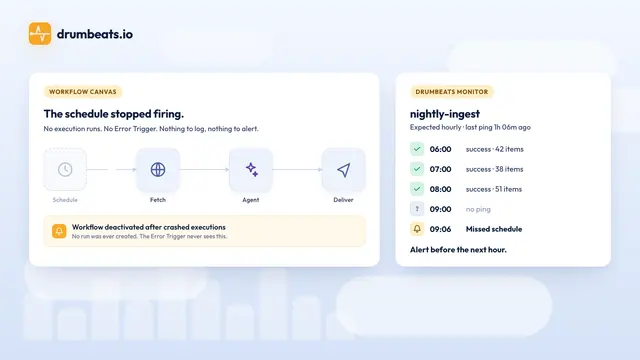
How to Monitor n8n Workflows and AI Agents with Drumbeats (Heartbeats, Not Just Error Triggers)
n8n's Error Trigger only fires when a workflow runs and throws. The failures that cost you days, a schedule that stopped, a webhook that 404s, a crashed execution, a green run that processed nothing, an agent that answered nothing, never get that far. Four setups, tested on n8n 2.44, from one HTTP Request node to Drumbeats paging n8n back.
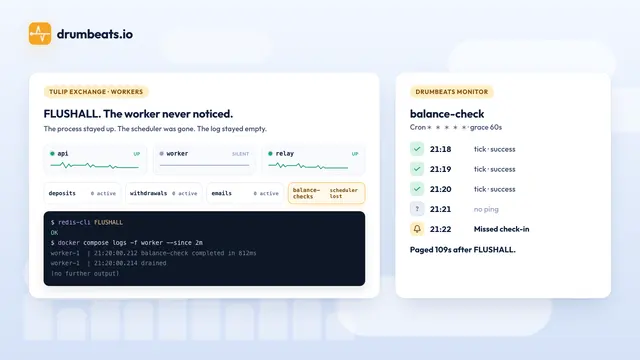
Monitoring BullMQ workers on a toy crypto exchange
I flushed the Redis behind a small exchange's BullMQ queues while the worker was running. It logged nothing, and the minutely balance check stopped. Three Node processes, four queues, an outbox relay, seven Drumbeats monitors created from one prompt, and four timed drills on BullMQ 6.4.2.
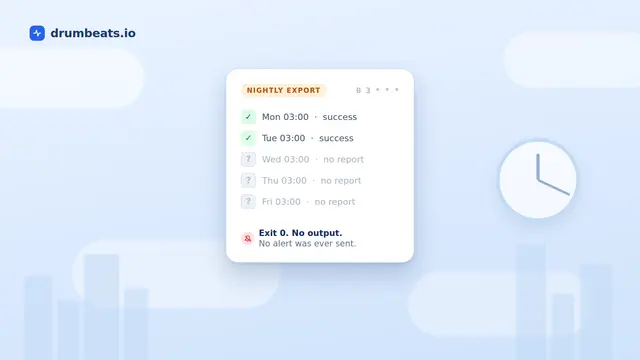
Why Your Cron Job Failed Silently (and How to Actually Catch It)
Cron does not read your exit code, does not retry, and does not warn you when it does not run. It mails output only if a mail transfer agent happens to exist on the host. This is a sourced walkthrough of the ten ways a cron job fails without a trace, why Kubernetes CronJobs fixed the scheduling problems but not the reporting one, and the one mechanism that answers whether it succeeded.